If you’re serious about gaming, your headset isn’t just an accessory—it’s your sixth sense. Footsteps, reloads, distant gunfire… they all matter. That’s exactly where the Razer BlackShark V2 steps in. Designed with esports pros in mind, this headset promises precision audio, all-day comfort, and a microphone so clear it feels like you’re in the same room as your teammates.
But does it actually deliver? Let’s break it all down—no fluff, no hype, just real-world performance.
What Is the Razer BlackShark V2?
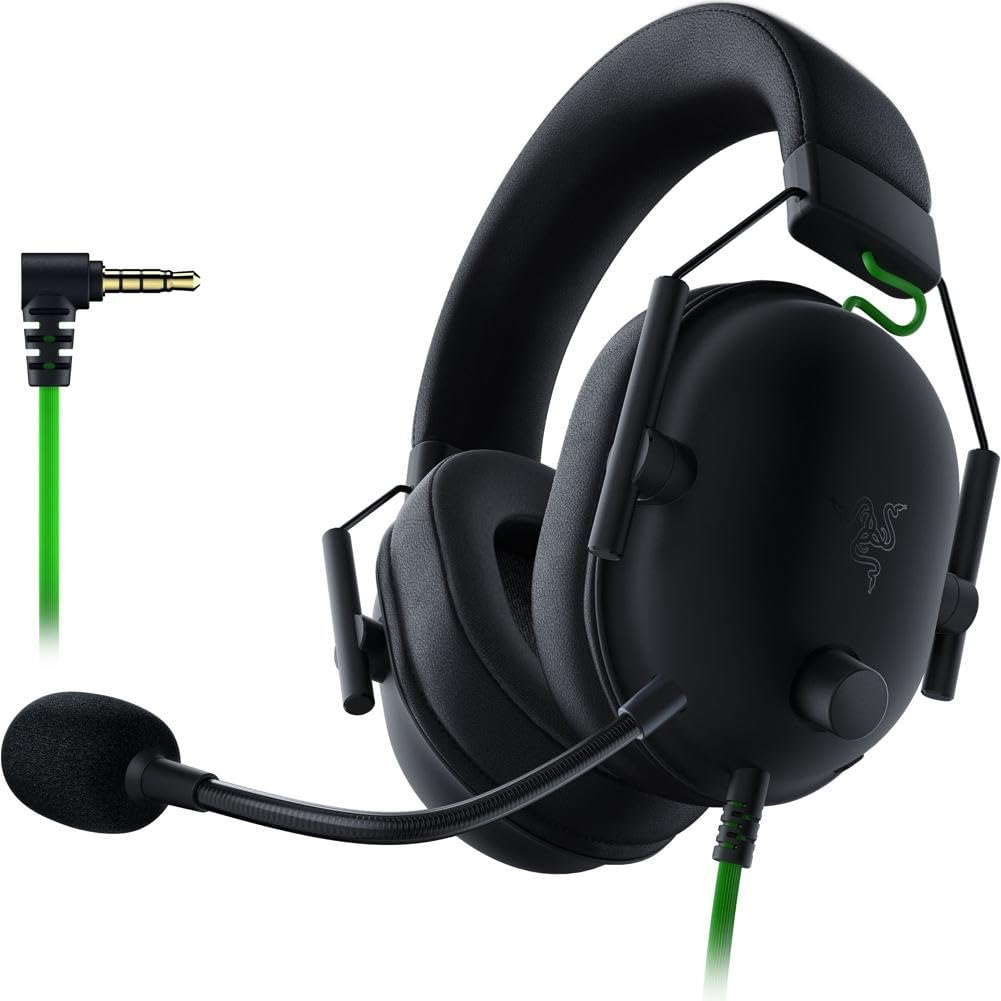
The BlackShark V2 is a wired, over-ear gaming headset built for competitive play. It focuses on three core things: sound accuracy, comfort, and communication clarity. Instead of flashy RGB lights, it goes for a clean, professional design—like a racing car stripped down for pure performance.
This headset is developed by Razer, a brand known for pushing boundaries in gaming peripherals.
Who Is This Headset For?
Short answer? Competitive gamers.
Long answer?
- FPS players who rely on positional audio
- Streamers who need a clean mic
- Esports athletes grinding long practice sessions
- Casual gamers who still want premium sound
If you play for hours and care about hearing every detail, this headset checks a lot of boxes.
Design & Build Quality
Lightweight Construction
One of the first things you’ll notice is how light it feels. At around 262 grams, it’s surprisingly easy on the head. No neck fatigue. No pressure points. Just comfort.
Materials Used
The frame is reinforced with metal, while the outer shell uses high-quality plastic. It’s flexible without feeling fragile—kind of like a well-built sports helmet.
Comfort & Fit for Long Gaming Sessions
Memory Foam Cushions
The earcups use flowknit memory foam, which adapts to your ears instead of squeezing them. Even after 4–6 hours of gaming, there’s no discomfort.
Passive Noise Isolation
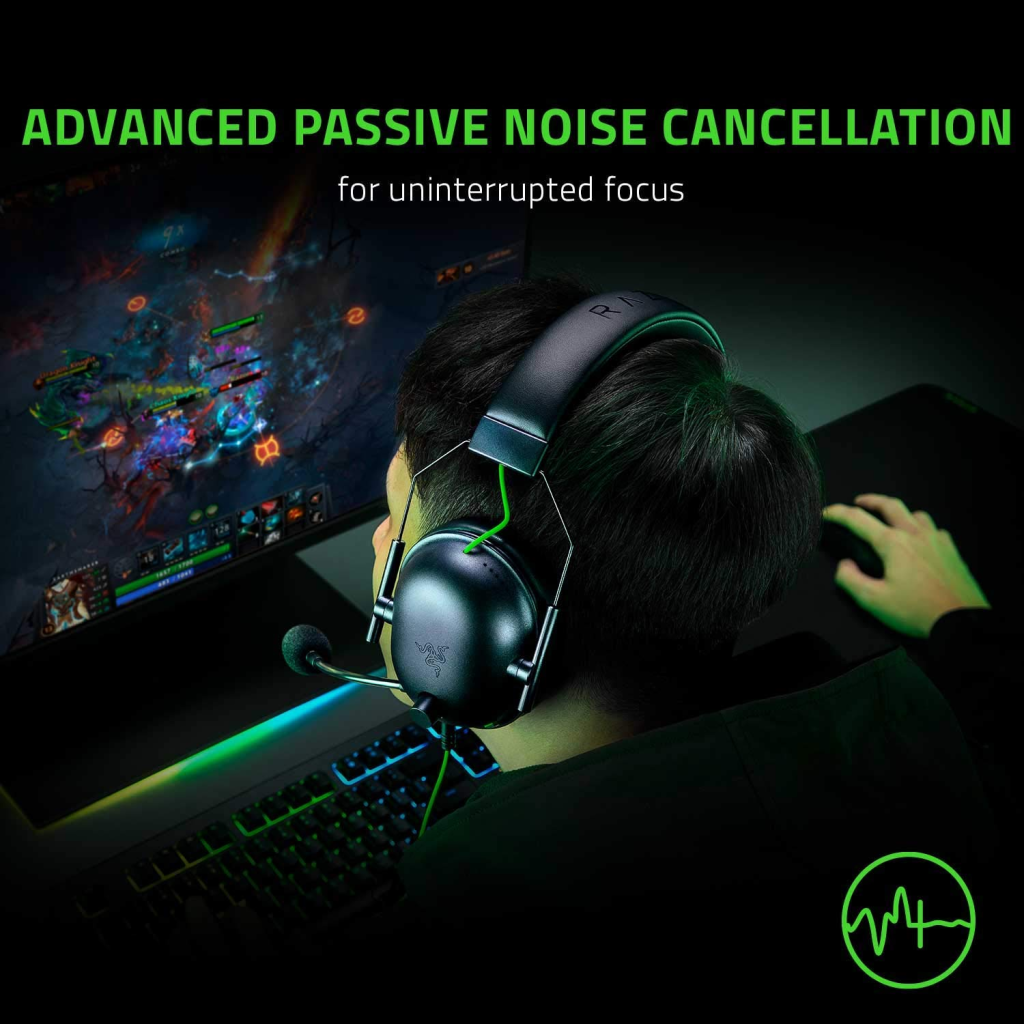
Thanks to the thick ear cushions, outside noise is naturally blocked. You won’t need active noise cancellation because the seal does most of the work.
Audio Performance Breakdown
TriForce Titanium Drivers
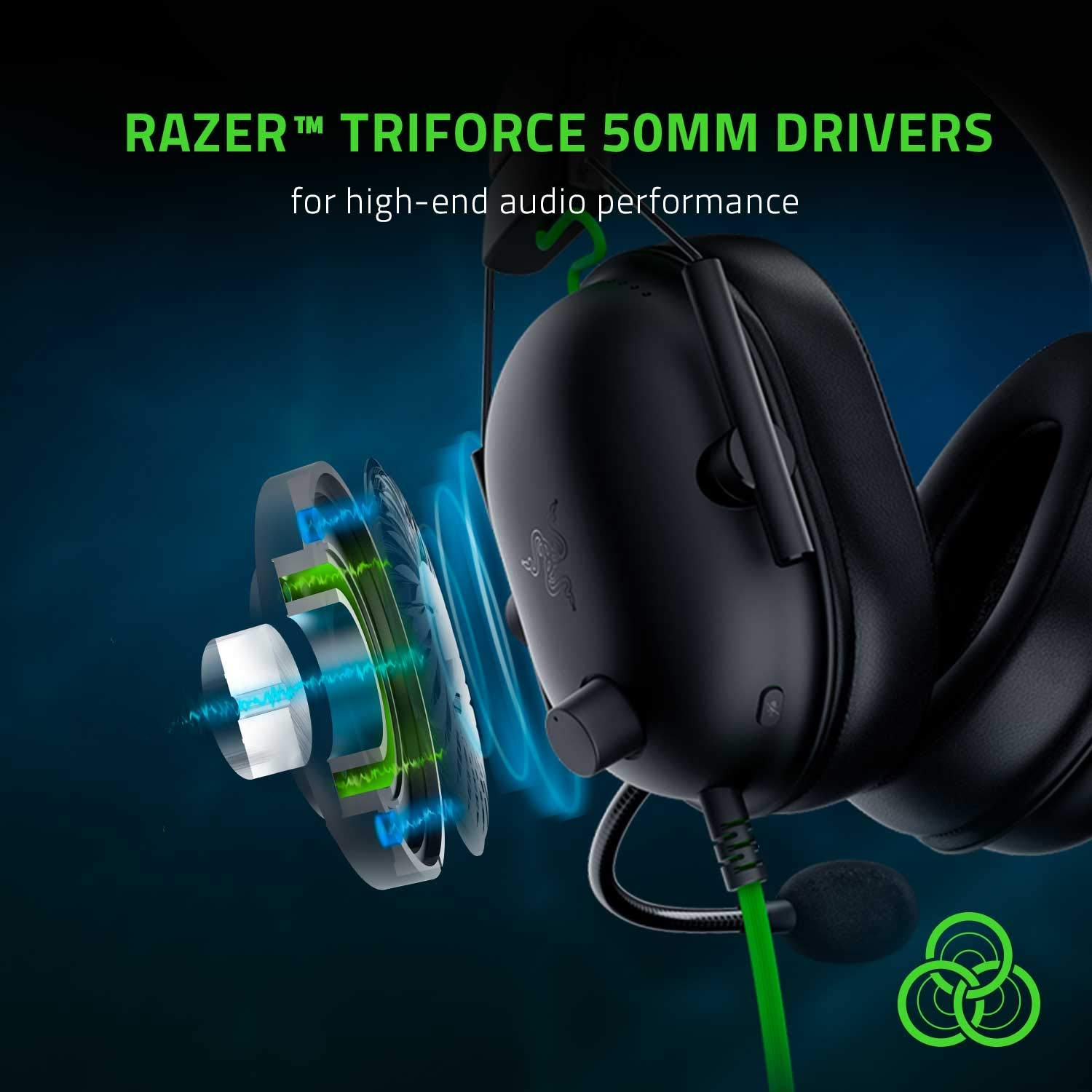
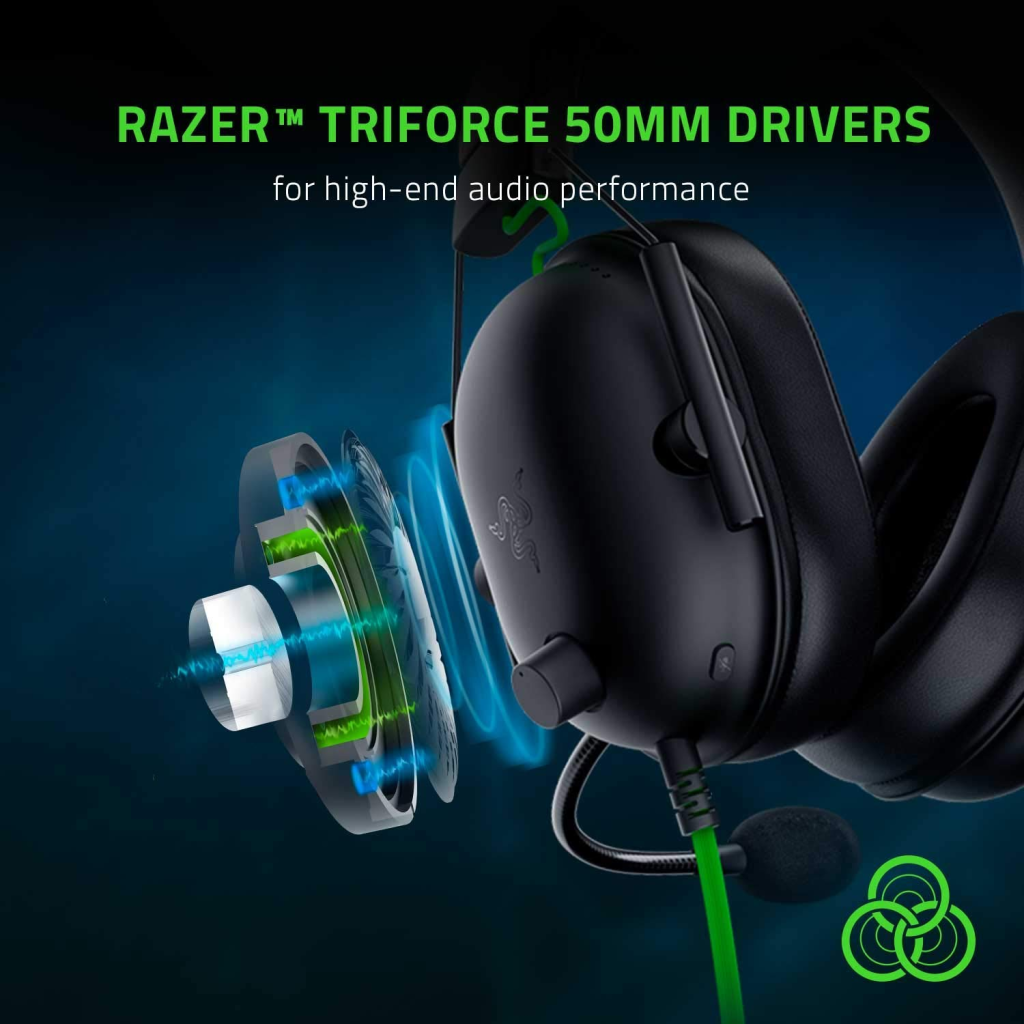
Here’s where things get interesting. Razer uses 50mm TriForce Titanium drivers, which separate bass, mids, and highs. Think of it like a three-lane highway for sound—no traffic jams.
Bass, Mids, and Highs Explained
- Bass: Tight and controlled (no muddy explosions)
- Mids: Clear dialogue and footsteps
- Highs: Crisp without being sharp
Whether you’re tracking enemies or enjoying cinematic soundtracks, the balance feels just right.
THX Spatial Audio Explained
THX Spatial Audio creates a 360-degree soundstage. In FPS games, this is a massive advantage. You can tell if footsteps are above, below, or behind you—almost like having a radar in your ears.
Competitive Advantage in FPS Games
In games like Valorant or Call of Duty, that split-second awareness can mean the difference between clutching the round or watching the kill cam.
Microphone Quality
Detachable HyperClear Cardioid Mic
The mic is detachable and tuned to focus on your voice while reducing background noise. Keyboard clicks? Gone. Fan noise? Reduced.
Your teammates will hear you clearly—even during intense moments.
Compatibility Across Platforms
The BlackShark V2 works seamlessly with:
- PC
- PlayStation
- Xbox
- Nintendo Switch
- Mobile devices (with 3.5mm jack)
Plug and play. No drama.
Software & Customization
Razer Synapse
On PC, Razer Synapse unlocks EQ settings, mic tuning, and THX Spatial Audio profiles. You can fine-tune the sound exactly how you like it—whether you want more bass or sharper footsteps.
Gaming Performance by Genre
FPS Games
Laser-sharp positional audio. Footsteps feel almost visual.
RPG & Open World
Immersive soundscapes. Music, dialogue, and ambient effects shine.
Esports Titles
Lightweight comfort + clear mic = tournament-ready setup.
Charts & Graphs: Performance Overview
Sound Quality Rating (Out of 10)
| Category | Score |
|---|---|
| Bass | 8.5 |
| Mids | 9.5 |
| Highs | 9 |
| Positional Audio | 9.8 |
Comfort vs Session Length
| Gaming Time | Comfort Level |
|---|---|
| 1–2 Hours | Excellent |
| 3–5 Hours | Excellent |
| 6+ Hours | Very Good |
Microphone Clarity Comparison
| Headset | Mic Clarity |
|---|---|
| BlackShark V2 | 9.5/10 |
| Average Gaming Headset | 7/10 |
Pros and Cons
Pros
- Extremely lightweight
- Excellent positional audio
- Clear, detachable microphone
- Great passive noise isolation
- Multi-platform compatibility
Cons
- No wireless option
- No RGB lighting (if that matters to you)
Comparison with Competitors
Compared to other headsets in the same price range, the BlackShark V2 focuses less on flashy features and more on raw performance. It’s like choosing a professional racing wheel over an arcade controller—different priorities, better results.
Final Verdict
The Razer BlackShark V2 is built for gamers who care about performance, comfort, and communication. It doesn’t try to impress with lights or gimmicks. Instead, it delivers where it matters most—sound precision and long-session comfort.
If competitive gaming is your thing, this headset isn’t just a good choice—it’s a smart one.
May you like it: Walker’s Razor Slim Electronic Muff Review
1. Is the Razer BlackShark V2 good for FPS games?
Absolutely. Its THX Spatial Audio and balanced drivers make it ideal for competitive shooters.
2. Can I use it on consoles?
Yes, it works with PC, PlayStation, Xbox, and more via a 3.5mm jack.
3. Is the microphone removable?
Yes, the HyperClear cardioid mic is fully detachable.
4. Does it support surround sound?
Yes, THX Spatial Audio is available on PC through Razer Synapse.
5. Is it comfortable for long gaming sessions?
Definitely. The lightweight design and memory foam cushions are built for marathon play.

One Comment on “Razer BlackShark V2 Review: Pro-Level Gaming Headset with THX Spatial Audio”