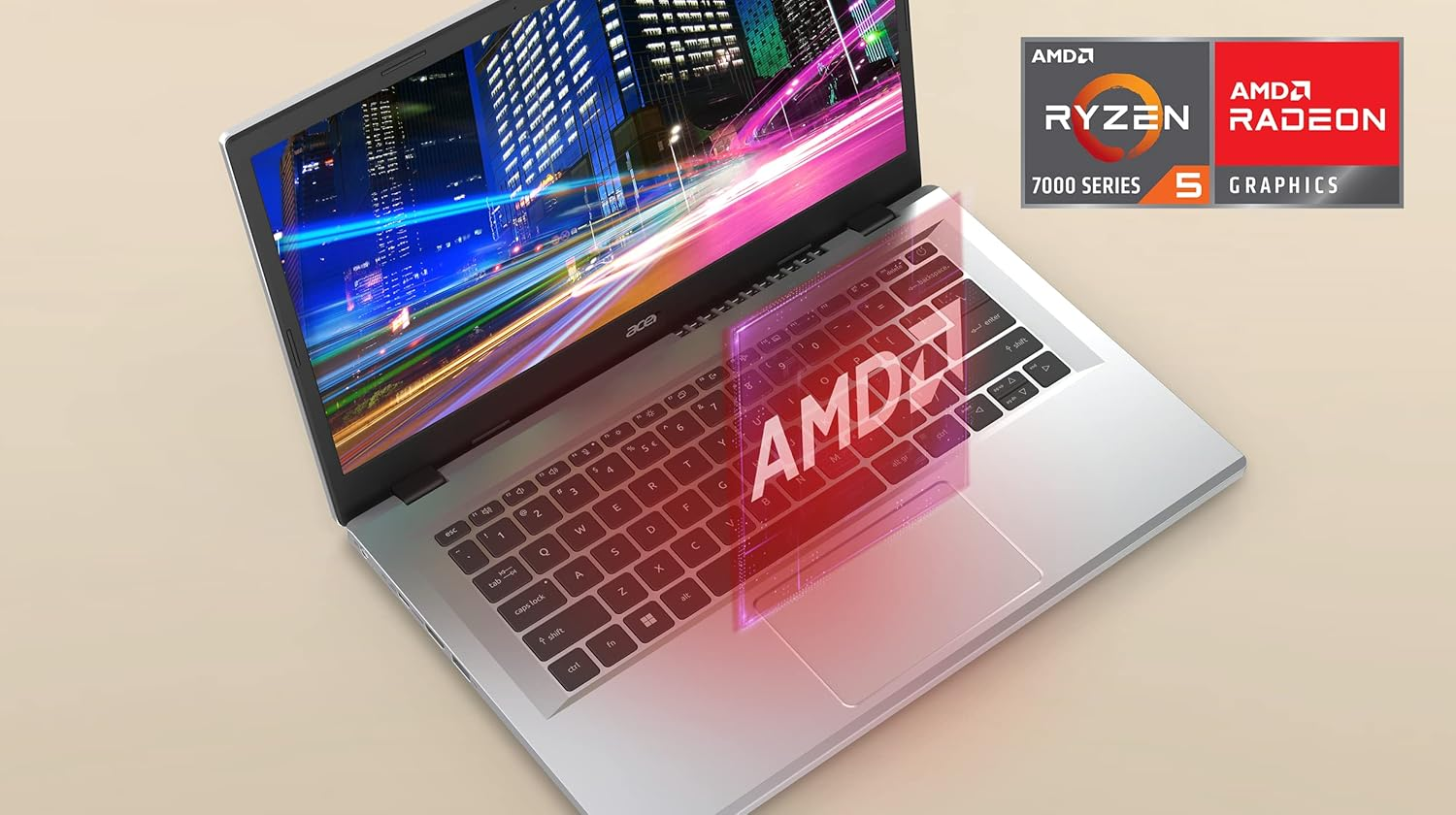
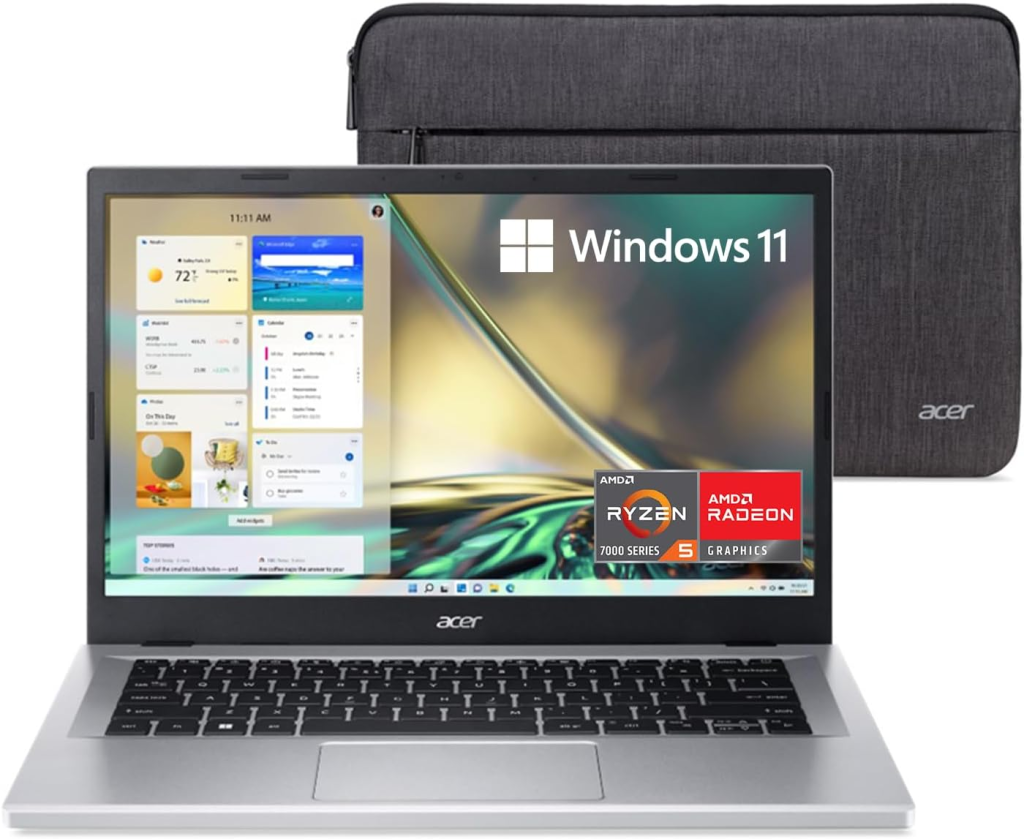
Introduction to Acer Aspire 3 Series
The Acer Aspire 3 A315-24PT-R0UX is a modern budget laptop designed for students, office users, and everyday computing tasks. In recent years, affordable laptops have evolved significantly, offering powerful processors, fast SSD storage, and improved battery life without dramatically increasing prices. Acer’s Aspire series has been one of the most popular choices in this category because it balances performance, reliability, and affordability.
What makes this model particularly interesting is the integration of an AMD Ryzen processor, fast LPDDR5 memory, and a full HD IPS touchscreen display. These features typically appear in higher-priced laptops, but Acer has managed to include them in a device that remains accessible to most users.
The Aspire 3 series has traditionally been targeted at people who need a dependable everyday laptop for web browsing, office work, streaming content, and light creative tasks. However, the latest models are far more capable than their predecessors. With improved hardware architecture and energy-efficient components, the Aspire 3 can now handle multitasking, productivity applications, and even some light graphics work.
Another appealing aspect of the Aspire lineup is its simplicity. Unlike gaming laptops with flashy RGB lighting and bulky designs, this device focuses on clean design and practicality. The result is a laptop that looks professional enough for an office yet comfortable for home use.
For students, remote workers, and families searching for an affordable computer that doesn’t feel outdated, the Acer Aspire 3 A315-24PT-R0UX offers a compelling combination of features and performance.
Key Specifications Overview
Before diving deeper into the performance and real-world experience, it helps to understand the core hardware specifications that power this laptop.
Hardware Specifications Table
| Feature | Specification |
|---|---|
| Display | 15.6-inch Full HD IPS Touchscreen |
| Resolution | 1920 × 1080 |
| Processor | AMD Ryzen 5 7520U Quad-Core |
| Base Clock | 2.8 GHz |
| Turbo Clock | Up to 4.3 GHz |
| Graphics | AMD Radeon Graphics |
| RAM | 16GB LPDDR5 |
| Storage | 512GB NVMe SSD |
| Battery | Up to 13 hours |
| Weight | 3.92 lbs |
| Wireless | Wi-Fi 6, Bluetooth 5.1 |
| Operating System | Windows 11 Home |
These specifications place the Aspire 3 firmly in the mid-range budget laptop category. According to Acer’s official specifications, the laptop includes LPDDR5 memory and PCIe NVMe SSD storage, which significantly improves system responsiveness and multitasking capability.
Performance Benchmark Chart
Below is a simplified relative performance comparison chart for common tasks.
| Task | Performance Rating |
|---|---|
| Web Browsing | ██████████ 10/10 |
| Office Work | █████████ 9/10 |
| Streaming & Media | █████████ 9/10 |
| Programming | ████████ 8/10 |
| Photo Editing | ███████ 7/10 |
| Gaming | █████ 5/10 |
This chart highlights the Aspire 3’s strengths in productivity tasks rather than gaming workloads.
Design and Build Quality
The first impression when opening the Acer Aspire 3 is its minimalist and professional appearance. The laptop features a silver chassis that feels modern without being flashy. While it isn’t made entirely from premium metal materials, the build quality is solid enough for daily use.
The device measures approximately 0.74 inches thick and weighs about 3.92 pounds, making it portable enough for students or professionals who carry their laptop between locations.
The keyboard layout is comfortable for long typing sessions. Acer includes a numeric keypad, which is extremely useful for students working with spreadsheets or professionals dealing with numerical data. The keys have decent travel distance and tactile feedback, making the typing experience smooth.
Another important aspect of the design is the precision touchpad, which supports Windows gestures and improves navigation efficiency. The touchpad feels responsive and accurate, something many budget laptops struggle with.
Cooling and ventilation also deserve attention. Acer has designed the Aspire 3 with improved airflow to keep internal components cool. This design ensures that even during long working sessions, the laptop maintains stable performance without overheating.
In short, while it may not compete with premium ultrabooks in terms of luxury materials, the Aspire 3 offers a durable and practical design that meets the expectations of everyday users.
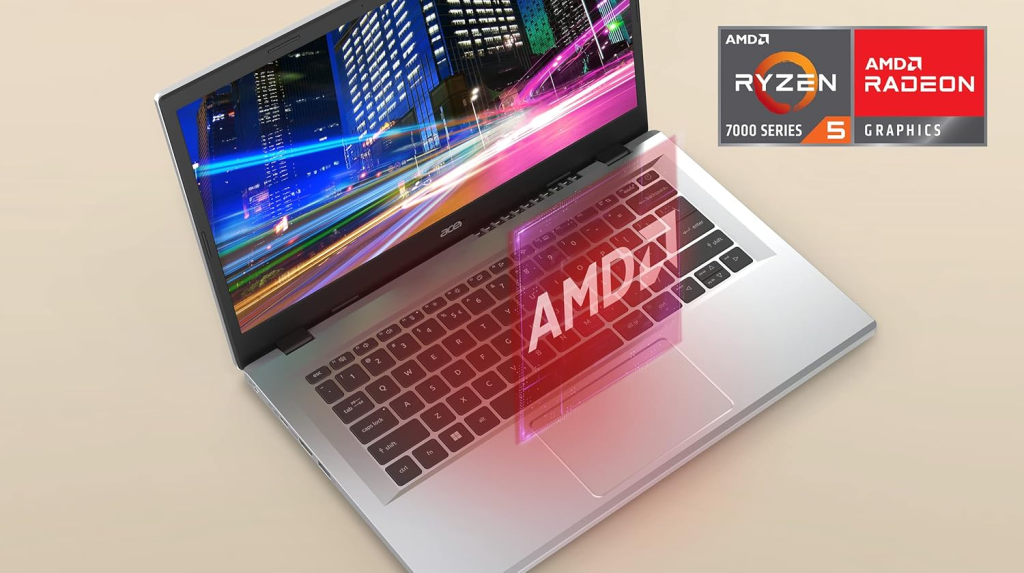
Display Quality and Visual Experience
The 15.6-inch Full HD IPS touchscreen display is one of the highlights of this laptop. A resolution of 1920×1080 pixels ensures crisp visuals and sufficient detail for most tasks.
IPS technology improves viewing angles significantly compared to older TN panels. This means that colors remain consistent even when viewing the screen from the side. Whether you are watching movies, editing documents, or browsing the web, the display remains comfortable to use.
Another feature worth mentioning is Acer ComfyView technology, which reduces glare and reflections. This makes the screen easier to use in bright environments such as classrooms, offices, or coffee shops.
Touch functionality adds another layer of usability. While many people primarily use the keyboard and touchpad, having a touchscreen can be convenient when scrolling through websites, zooming images, or navigating Windows applications.
Overall, the display offers excellent value for a budget laptop, especially considering the inclusion of IPS technology and touch capability.
Processor and Performance
The AMD Ryzen 5 7520U processor is the heart of the Acer Aspire 3. This quad-core processor operates at a base speed of 2.8 GHz and can boost up to 4.3 GHz, delivering strong performance for everyday workloads.
For many users, performance determines whether a laptop feels smooth or frustrating. Fortunately, the Ryzen processor handles multitasking very well. Running multiple browser tabs, office applications, and streaming videos simultaneously does not significantly slow down the system.
The processor also benefits from AMD’s energy-efficient architecture. Lower power consumption means less heat and longer battery life, which is crucial for mobile devices.
In productivity benchmarks, Ryzen processors often perform competitively against Intel chips in the same price range. This makes the Aspire 3 a smart choice for users who want solid performance without paying premium prices.
AMD Ryzen 5 7520U Performance Analysis
To better understand the laptop’s capabilities, let’s look at a simplified performance comparison.
| Application Type | Estimated Performance |
|---|---|
| Microsoft Office | Excellent |
| Web Development | Very Good |
| Programming | Very Good |
| Video Streaming | Excellent |
| Casual Gaming | Moderate |
The processor’s quad-core design allows it to manage multiple tasks efficiently, especially when combined with fast LPDDR5 memory.
Productivity Performance Chart
| Workload | CPU Usage Efficiency |
|---|---|
| Document Editing | ██████████ |
| Spreadsheet Work | █████████ |
| Web Browsing | █████████ |
| Video Conferencing | ████████ |
| Coding Projects | ███████ |
Graphics Performance
The laptop uses AMD Radeon integrated graphics, which share memory with the system RAM. While this configuration cannot compete with dedicated GPUs used in gaming laptops, it performs adequately for everyday tasks.
Users can comfortably run applications such as photo editing software, streaming platforms, and light video editing tools. Casual gaming is also possible with less demanding titles.
Integrated graphics have improved dramatically in recent years. Tasks that once required dedicated GPUs can now run smoothly on integrated solutions, especially for casual users.
Memory and Storage Performance
Memory plays a crucial role in overall system responsiveness. The Aspire 3 includes 16GB of LPDDR5 RAM, which is faster and more efficient than previous DDR4 memory standards.
This amount of memory is more than sufficient for multitasking. Users can keep multiple applications open simultaneously without experiencing lag.
Storage is handled by a 512GB NVMe SSD, which delivers significantly faster read and write speeds compared to traditional hard drives. Boot times are quick, applications load rapidly, and file transfers happen almost instantly.
Battery Life and Power Efficiency
Battery life is often a deciding factor when purchasing a laptop. The Aspire 3 includes a lithium-ion battery capable of lasting up to 13 hours under ideal conditions, according to manufacturer specifications.
In real-world scenarios, users typically experience between 8 and 10 hours of battery life, depending on workload and brightness settings.
Battery Performance Graph
| Usage Scenario | Battery Duration |
|---|---|
| Web Browsing | ██████████ 10 hrs |
| Video Streaming | █████████ 9 hrs |
| Office Work | █████████ 9 hrs |
| Heavy Multitasking | ███████ 7 hrs |
| Gaming | █████ 5 hrs |
This level of battery performance makes the Aspire 3 suitable for full workdays without needing constant charging.
Connectivity and Ports
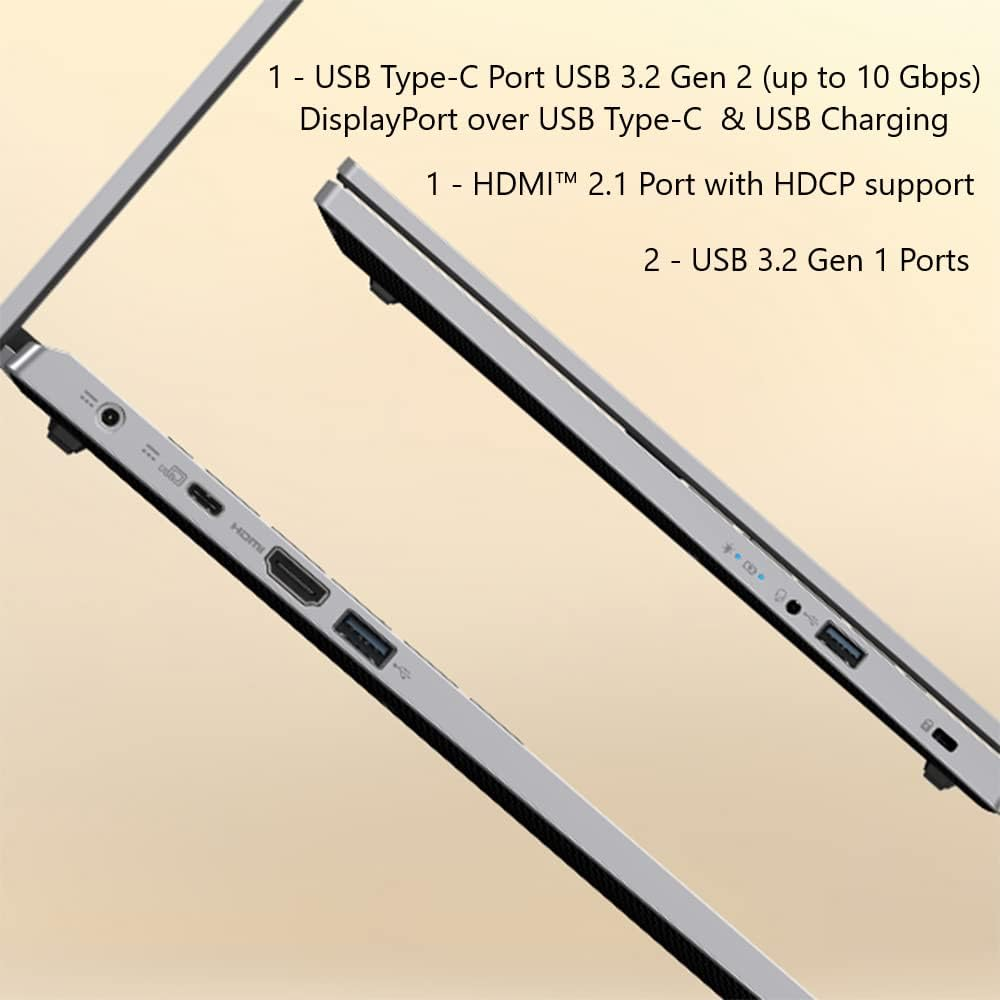
Connectivity options include:
- USB-C port
- Two USB-A ports
- HDMI output
- Wi-Fi 6 support
- Bluetooth 5.1
These features ensure compatibility with modern peripherals and fast wireless networking.
Software and Operating System
The laptop runs Windows 11 Home, which provides a modern user interface and improved multitasking features.
Windows 11 includes tools such as:
- Snap layouts for better window organization
- Enhanced security features
- Microsoft Teams integration
For most users, this operating system provides everything needed for productivity and entertainment.
Advantages and Disadvantages
Pros
- Affordable price
- Strong Ryzen processor
- Fast SSD storage
- Long battery life
- Full HD IPS display
- Wi-Fi 6 connectivity
Cons
- Not ideal for heavy gaming
- Limited upgrade options
- Plastic build compared to premium laptops
Who Should Buy the Acer Aspire 3?
This laptop is perfect for:
- Students
- Office workers
- Freelancers
- Home users
- Remote workers
Anyone needing a reliable daily laptop without paying high prices will appreciate the Aspire 3.
Price and Value for Money
The Aspire 3 series typically falls within the $350–$500 price range, depending on configuration and storage options.
Considering the specifications—especially the Ryzen processor, 16GB RAM, and SSD storage—the laptop delivers excellent value for money.
Conclusion
The Acer Aspire 3 A315-24PT-R0UX proves that budget laptops can still deliver strong performance and modern features. With its Ryzen processor, fast SSD storage, and full HD display, it provides everything most users need for productivity and entertainment.
While it isn’t designed for high-end gaming or heavy video editing, it excels at everyday computing tasks. For students, office workers, and families, this laptop represents a balanced and affordable computing solution.
May you like it: ASUS Vivobook 14 X1407QA-BS56 Review
1. Is the Acer Aspire 3 good for students?
Yes, it is an excellent choice for students because it offers strong performance, long battery life, and an affordable price.
2. Can the Acer Aspire 3 run games?
It can run light or casual games, but it is not designed for high-end gaming.
3. Does the Acer Aspire 3 have a touchscreen?
Yes, some models including the A315-24PT-R0UX include a touchscreen Full HD display.
4. How long does the battery last?
Battery life can reach 10–13 hours depending on usage.
5. Is the Acer Aspire 3 good for office work?
Yes, the Ryzen processor and 16GB RAM make it excellent for multitasking and productivity tasks.

One Comment on “Acer Aspire 3 Series A315-24PT-R0UX Review – Specs, Performance, Price & Buying Guide (2026)”